
gsellcpublic:citrix_receiver_use
This is an old revision of the document!
Using the Citrix Receiver
Find it:
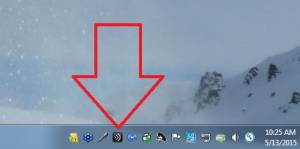
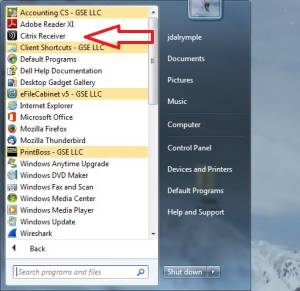
You can find the Receiver app in 1 of 2 ways
- Double-click the tray icon:
- Locate the application in the Start Menu and single-click:


Login:
- After double clicking the Receiver app icon you should see the login screen (unless you're already logged in):
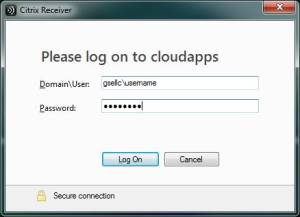
- In the username field type “gsellc\” followed by your username
- Type your password in the password field

gsellcpublic/citrix_receiver_use.1431536926.txt.gz · Last modified: 2018/09/27 02:30 (external edit)